Lesson 4 - Picture in PowerPoint
- Home
- / Microsoft Powerpoint - Advanced
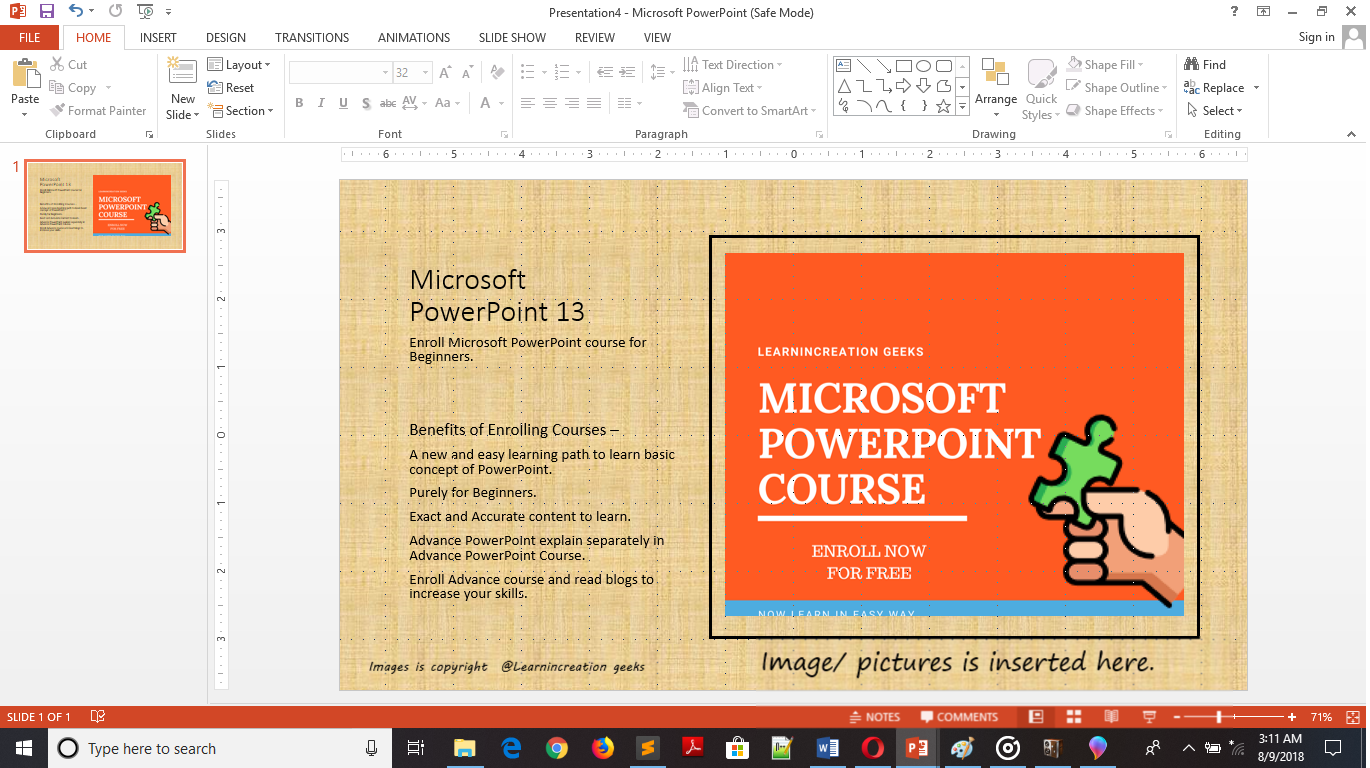
Picture speak more effectively than words. So it a good practice to speak via pictures. Also images register easily in human mind, so if you want to register you message in your audience mind then use a relevant picture to deliver your message.
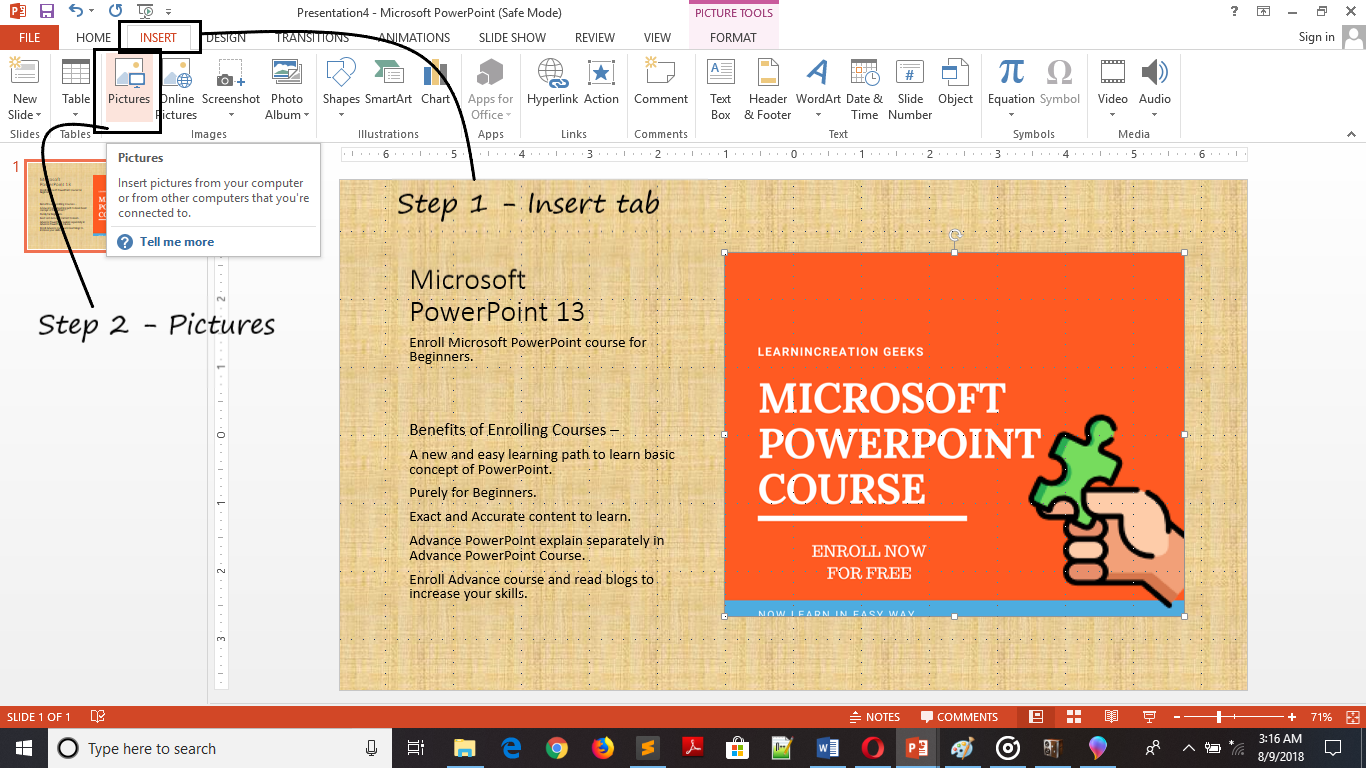
Now, you learn what an importance of picture while you are deliver a message to an audience. So next step is to insert pictures in your presentation.
Follow these simple steps to insert an images in your presentation –
By default, a new dialog box will open with a Picture folder inside library. If your image file is present there it’s fine, unless you can go to your file location and select your picture to insert it.

Vinay Bhatt is the Founder of LearnInCreation, an education and technology platform focused on making computer science and digital learning simple, practical, and accessible. He holds a B.Sc. degree from Kumaun University and has professional certifications in Full Stack Web Development, Digital Marketing, and Ethical Hacking. Passionate about education and technology, he creates beginner-friendly courses, practical learning resources, and projects that help students develop real-world skills and prepare for their careers.


LearnInCreation helps students learn computer science and technology through easy-to-understand courses, practical projects, books, e-books like learning resources, enabling them to build skills for academic success and future careers.
Watch old videos of computer lessons, Subscribe us on Youtube