Lesson 9 - Working With Text
- Home
- / Microsoft Word - Beginners
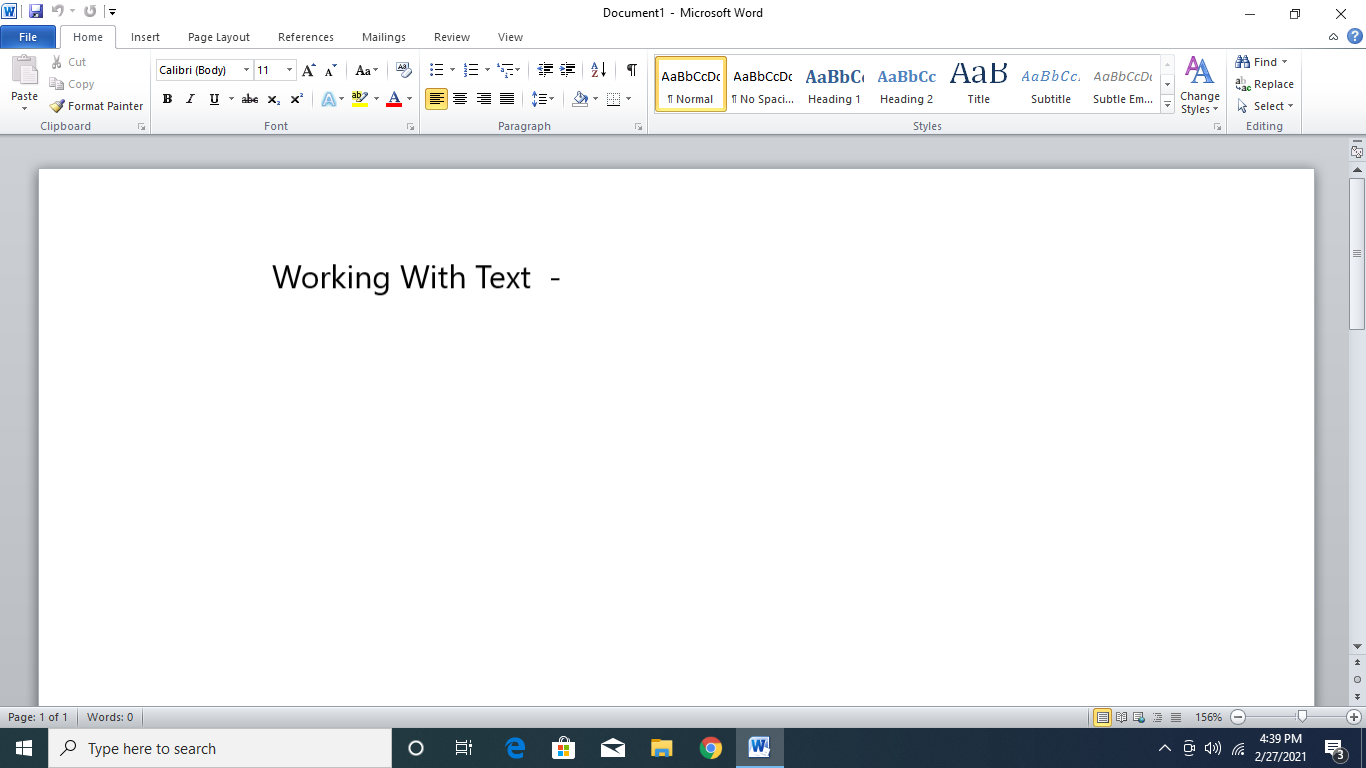
So you are ready to create your first document. You can enter your desired text in document by simply typing it on keyboard.
To capitalize first letter in each line or after full stop press (ON) the Caps Lock or simply press the character with Shift key. (Shift key + C = to capitalizes C in Computer). Press backspace or delete key to remove or delete the character.
At the end of the line you don’t need to press enter to change the line, MS-Word itself wrap the sentences at the end you just need to press ENTER key to change the paragraph.
To delete text from middle of the sentence you don’t need to delete whole sentence, simply place the cursor at the end of the word or letter you wish to delete and press backspace.
Like backspace key Delete key is also helps to delete the wrong or unwanted letter or sentences from the document. To delete you can simply put cursor at the beginning of the word or letter and press delete key, but when it comes to a sentences or a paragraph you delete it by selecting the whole paragraph or sentence and then simply hit the delete button.
To select the para or sentence put your cursor at the end of the line and move mouse over the para or sentence. Or you can use second method, put the cursor at the end of the para or sentence you wish to delete and the press shift key and arrow key to select the para.
Or there is also a third method to selecting paragraph just by clicking thrice anywhere in between paragraph.
So you create your first document. Good!! How much page is there in your document?
Don’t remember, don’t worry next you are going to learn how to insert the page number in your documents.

Vinay Bhatt is the Founder of LearnInCreation, an education and technology platform focused on making computer science and digital learning simple, practical, and accessible. He holds a B.Sc. degree from Kumaun University and has professional certifications in Full Stack Web Development, Digital Marketing, and Ethical Hacking. Passionate about education and technology, he creates beginner-friendly courses, practical learning resources, and projects that help students develop real-world skills and prepare for their careers.


LearnInCreation helps students learn computer science and technology through easy-to-understand courses, practical projects, books, e-books like learning resources, enabling them to build skills for academic success and future careers.
Watch old videos of computer lessons, Subscribe us on Youtube