Lesson 1 - Introduction to MS Word
- Home
- / Microsoft Word - Beginners
In earlier day’s computer are developed just to process number or to do calculation. Soon, it’s become very useful in manipulating and process the text document such as – letter, notes etc.
And due to continuous improvement in processing text, today it’s a widely used and also an important feature of computer application named as Word Processing. Word Processing is a software which is used to write and edit letter, article, documentation, adjusting of font and format, rearranging sequence, correcting the error.
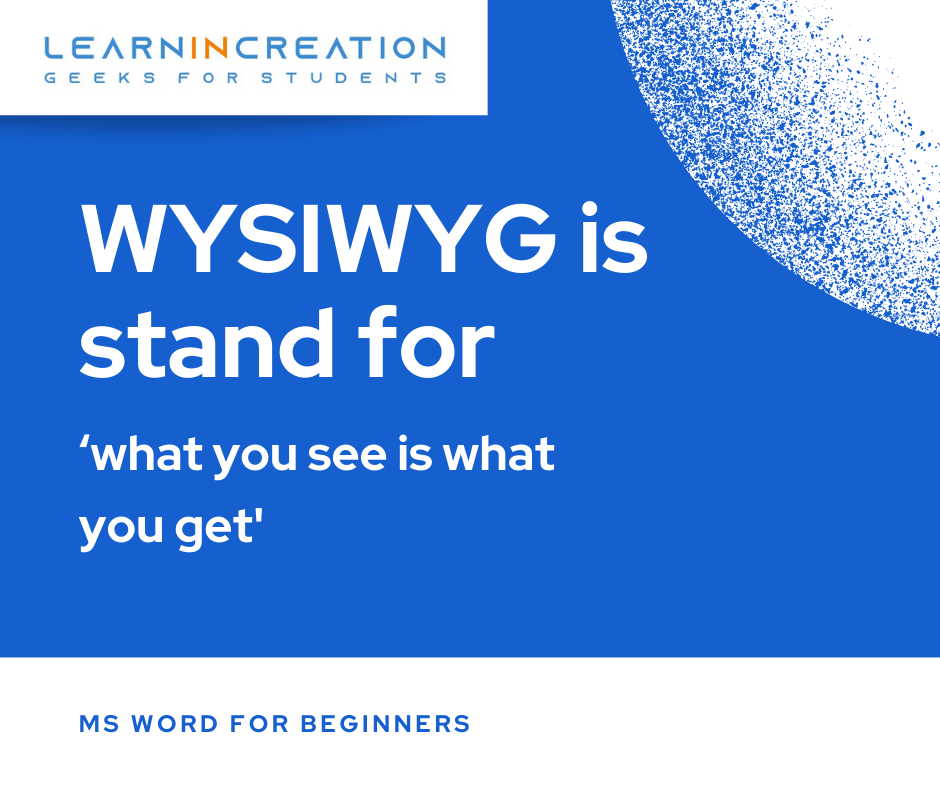
Microsoft word processing is a program designed on “WYSIWYG” principle. WYSIWYG is stand for ‘what you see is what you get’ means page which is visible on your screen is in same pattern as it would be after printing.
Microsoft is continuously upgrade its MS- office tool so it’s good to you that always upgrade your knowledge and skills.
So it’s an introduction of MS – word now after getting introduction there is some important features of MS- word on next page. Now, there is something Aghori wants to tell you and then move to next page.

Vinay Bhatt is the Founder of LearnInCreation, an education and technology platform focused on making computer science and digital learning simple, practical, and accessible. He holds a B.Sc. degree from Kumaun University and has professional certifications in Full Stack Web Development, Digital Marketing, and Ethical Hacking. Passionate about education and technology, he creates beginner-friendly courses, practical learning resources, and projects that help students develop real-world skills and prepare for their careers.


LearnInCreation helps students learn computer science and technology through easy-to-understand courses, practical projects, books, e-books like learning resources, enabling them to build skills for academic success and future careers.
Watch old videos of computer lessons, Subscribe us on Youtube