Lesson 24 - Add Email in Document
- Home
- / Microsoft Word - Advanced
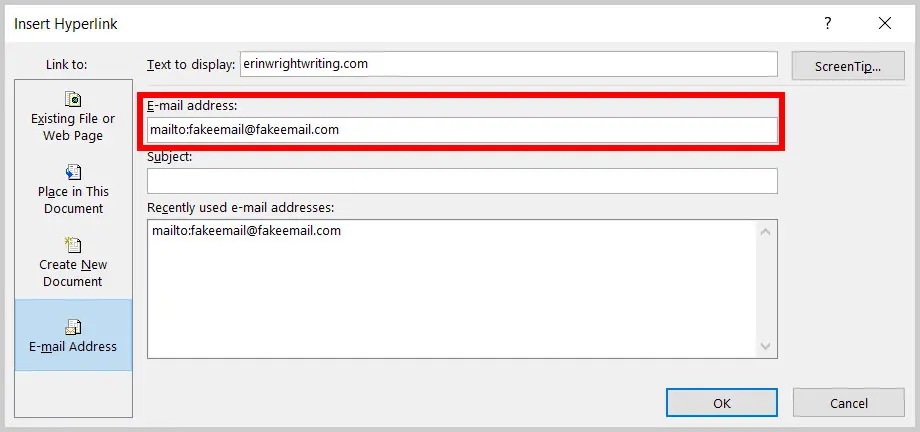
There is a short-cut key to open a Hyperlink insert dialog box, press Ctrl + K. It’s a good practice to text your hyperlink after inserting it. If it’s linked to a web address then your browser will open on clicking on link. If it doesn’t open then it simply means that address is miss-spelled. Well in this case you can Edit or Remove your hyperlink.
To Edit or Remove hyperlink follow these steps –

Vinay Bhatt is the Founder of LearnInCreation, an education and technology platform focused on making computer science and digital learning simple, practical, and accessible. He holds a B.Sc. degree from Kumaun University and has professional certifications in Full Stack Web Development, Digital Marketing, and Ethical Hacking. Passionate about education and technology, he creates beginner-friendly courses, practical learning resources, and projects that help students develop real-world skills and prepare for their careers.


LearnInCreation helps students learn computer science and technology through easy-to-understand courses, practical projects, books, e-books like learning resources, enabling them to build skills for academic success and future careers.
Watch old videos of computer lessons, Subscribe us on Youtube